 LogitAtlas
A great dataset buried in a bad listing is a lost deal. Marketplace search is unforgiving: buyers filter by category, country, delivery mode, and price, then scan titles and descriptions in a flash. If your listing does not survive that scan, the price does not matter. This post is a practical guide to writing a listing that actually ranks and converts.
What marketplace search actually ranks on
Internal search on a data marketplace is not Google. It is a scoped search index built from the listing title, the category, the keywords, the description, and the structured metadata like country and delivery mode. There is no PageRank, no backlinks, no click history that follows across the web. The signals that matter are inside your listing.
- Title: the single highest-weight field. Treat it like an advertisement with the exact category and value you deliver.
- Category: the primary filter. The wrong category means your listing never surfaces to the right buyer.
- Keywords: comma-separated tags that search uses for exact matches. Use buyer language, not internal jargon.
- Description: full-text search field. The first two paragraphs matter most.
- Structured fields: country, delivery mode, price. These are facets, not keywords, but they decide who sees your listing at all.
Write the title like an advertisement
The title should answer three questions in under eighty characters: what the data is, who it covers, and when it was captured. 'Weekly SKU-level grocery prices across six DACH chains' answers all three. 'Grocery data' answers none.
Include a time dimension when relevant. 'LATAM diabetes outcomes 2019-2024' is better than 'LATAM diabetes outcomes'. The year range tells buyers whether the data is fresh enough for them without having to click.
Pick the category exactly, not approximately
Buyers filter aggressively. If your dataset is foot-traffic data, do not list it under 'Retail' because that is where you sell to. List it under the category your buyers filter on, usually 'Mobility' or 'Location'. The right category can double your views.
If no category fits, pick the closest and clarify in the title. Do not invent a new category by misusing an existing one. Buyers who filter the right category will miss you, and buyers who filter the wrong category will skip you.
Use keywords buyers would actually type
The temptation is to use internal jargon or product names. Resist it. Keywords should mirror the words buyers use when they describe the problem they are solving. If buyers search for 'foot traffic', do not list only 'pedestrian flux'. Use both.
- Include synonyms where common. 'Foot traffic', 'pedestrian count', 'visitor flow'.
- Include geography where relevant. 'EU', 'DACH', 'LATAM' alongside the full country list.
- Include buyer use case. 'Retail analytics', 'investment research', 'city planning'.
- Avoid acronyms a new buyer would not recognise. Spell them out at least once in the description.
Write a description that passes two reviews
A great description passes two reviews at once: the five-second scan of a browsing buyer and the ten-minute read of a procurement team deciding whether to request a sample. The first paragraph is for the scanner. The rest is for the reader.
Open with what the dataset is, who it covers, what time range it includes, how often it refreshes, and what delivery mode is used. One sentence per fact. Then expand into schema, methodology, quality controls, and any known caveats. Procurement teams reward sellers who disclose caveats; it looks professional and reduces disputes later.
Disclose the limitations in the listing. The buyer will find them anyway, and finding them in a dispute is twenty times more expensive than finding them in a review.
Templates you can start from
Snapshot dataset template
[Dataset name] is a [N]-row, [M]-column dataset covering [subject] across [geography] from [start date] to [end date]. Collected by [method] and standardised to [schema or standard]. Delivered as [files or format] via secure file transfer. Suitable for [primary use cases]. Not suitable for [known limitations].
Subscription feed template
[Feed name] provides refreshed [subject] data for [geography] updated every [cadence]. Each refresh includes [N] records with the following schema: [schema summary]. Delivered via [file or API] under a [license summary] license. Historical data from [start date] included.
Common ranking mistakes
- Vague titles like 'High-quality dataset'. Rankable titles describe the data, not its quality.
- Keyword stuffing. Lists of fifty tags dilute the signal and make the listing look spammy.
- Over-promising in the description, then under-delivering, which creates disputes that affect reputation.
- Hiding the price range because 'it depends'. Hidden prices lose to visible competitors.
- Treating the listing as static. The best sellers update their listing every quarter.
Measure, then iterate
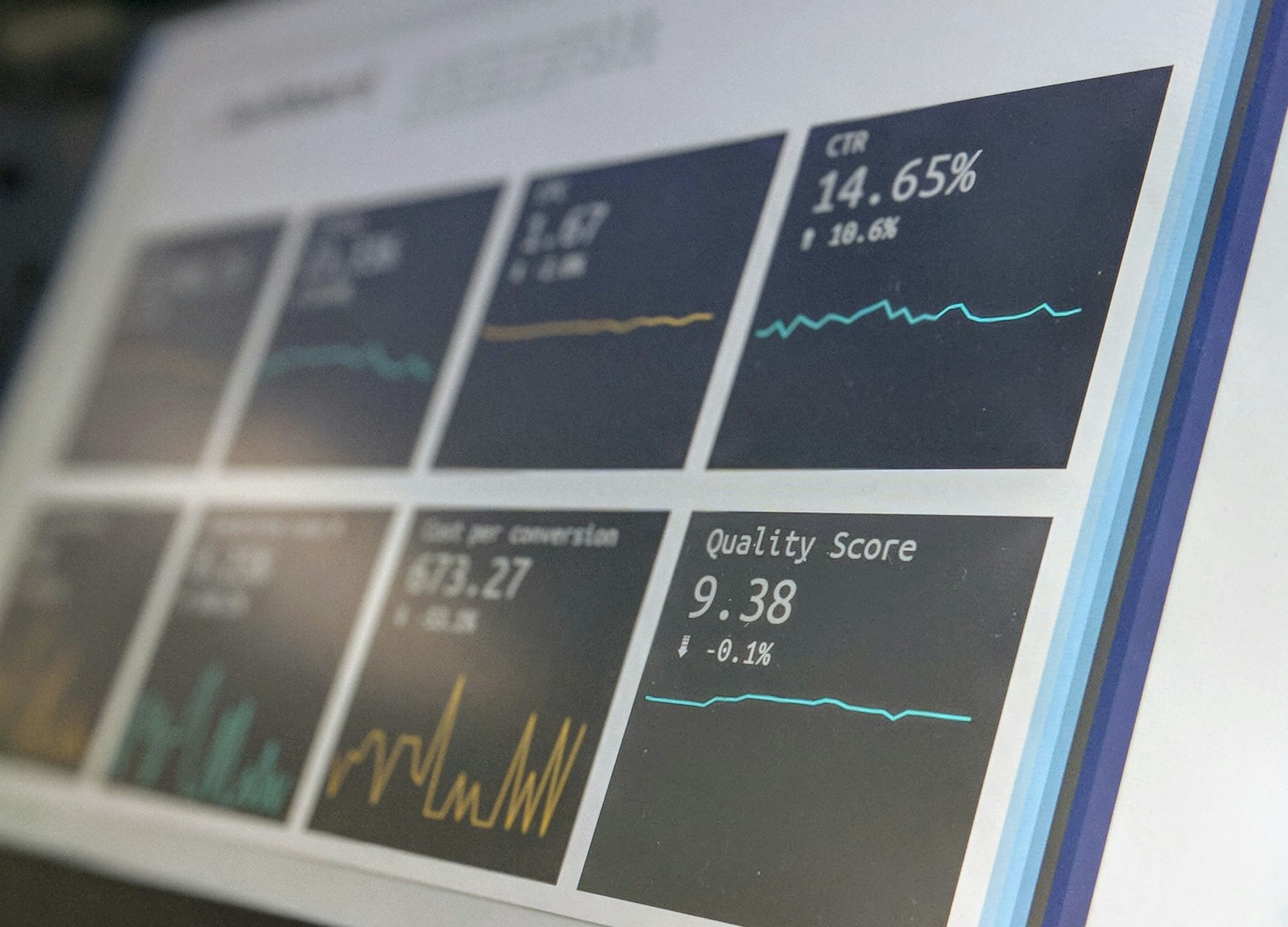
The marketplace dashboard shows views, favourites, bids, and completed orders per listing. The gap between views and favourites tells you if the title lands. The gap between favourites and bids tells you if the price is credible. The gap between bids and completed orders tells you if the negotiation experience closes.
Treat the listing like a landing page. Change one thing at a time. Give each change a week to settle. Compare conversion rates, not absolute numbers, since traffic varies with marketplace activity.